
Understand your movement.
Know your next step.
A short assessment is the beginning. Discover how Physmodo connects movement screening, objective scores, personalized guidance, and progress.
Explore the four steps of a Physmodo movement assessment
One movement. A new perspective.
Follow a short, self-guided movement screen. Physmodo uses your device’s camera to see how you move, without wearables or a lengthy setup.
Explore how it worksStep into the outline
Move back until your whole body fits the glow
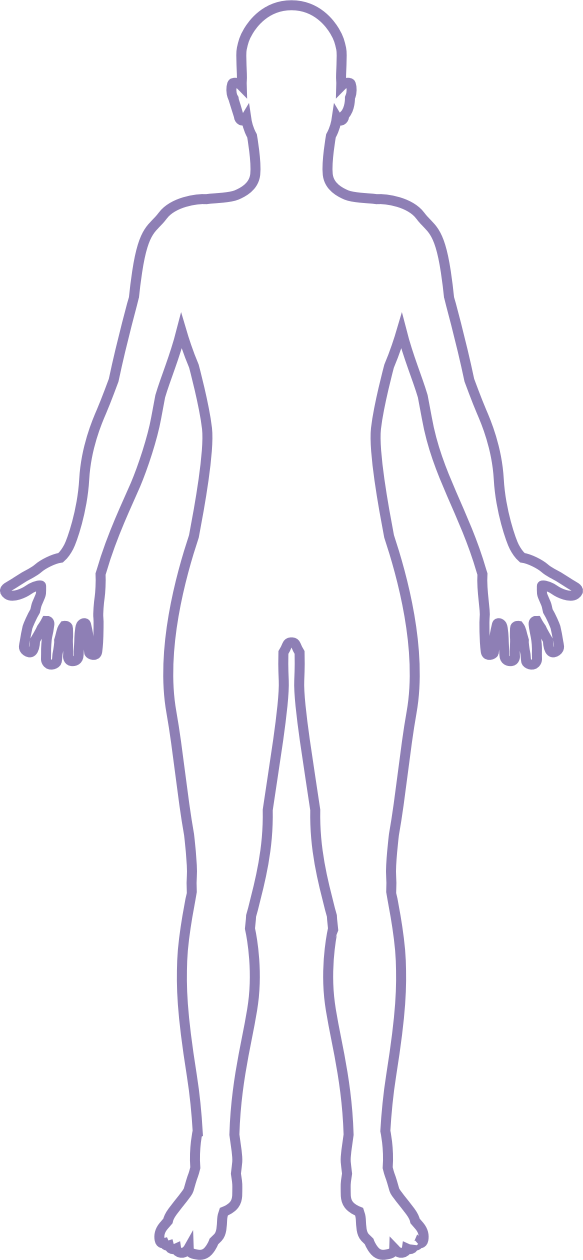
- Device is level
- Full body in frame
- Distance ~8 ft
- …Good lighting
Start with one simple movement
Position your supported phone or iPad so its camera can see your whole body. Follow the setup guidance and complete the guided screen. The assessment takes about 30 seconds, without body-mounted sensors or wearables.
Understand your results
Physmodo uses computer vision to quantify movement. Your results describe mobility, stability, posture, and symmetry, with indicators that help you identify areas for attention. Scores describe the assessed movement; they are not a medical diagnosis.
Make your next move personal
Movement indicators inform a personalized exercise program. Follow the guidance in the app, or bring the results to a coach or qualified professional to discuss how they fit into your wider routine.
Build your movement history
Repeat the screen and review your results over time. A history of assessments adds context that a single result cannot provide. Keep your setup and screening conditions consistent so comparisons are more useful.